
Without Internet: what still works
When the Internet is down you can still switch lights from your phone at home and use Scene wall switches. Settings worth turning on — with screenshots.
Updated:
Screenshots show the app in Vietnamese. The English app has the same screens, with the buttons in the same places.
When your phone or home loses Internet access, the app shows No Internet · controlling devices over Bluetooth only at the top.
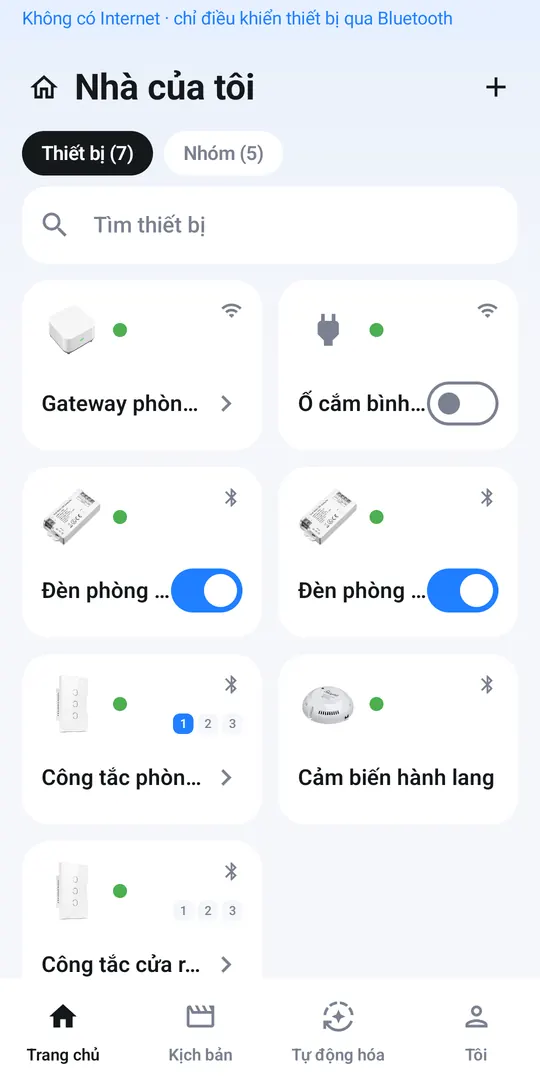
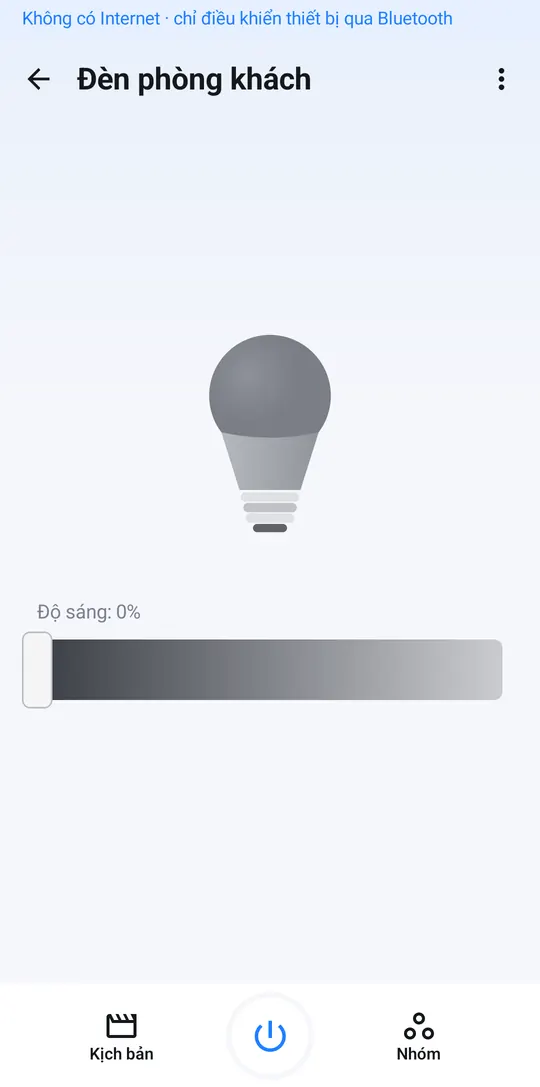
Still works
- Switching and adjusting lights, switches and sensors — your phone talks directly to the devices, so you need to be at home.
- Running Scenes for lights and switches from the app.
- Scene wall switches you have assigned — press them as usual.
Paused until you are back online
Anything that needs the Internet is refused straight away instead of half-done: adding or deleting devices, creating groups or Scenes, changing settings, updating device software, and controlling the AC / TV / Wi-Fi plugs. Automations also pause until your home is back online.
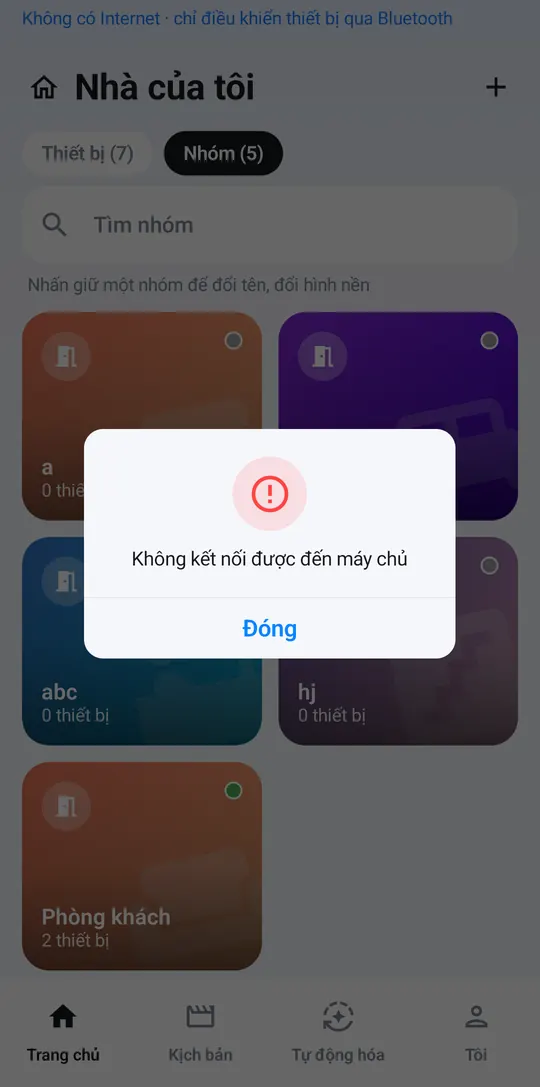
Settings worth turning on
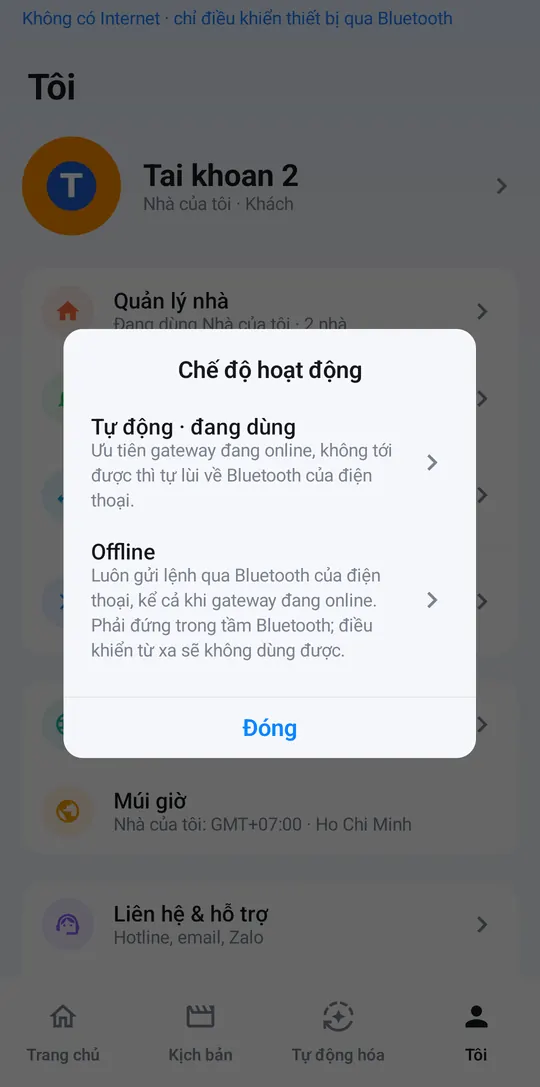
- Me → Operating mode → Auto (recommended): uses the Internet when available and switches to direct control over your phone’s Bluetooth when it is not.
- Me → Bluetooth → Offline control: keeps a connection ready so devices respond instantly when the Internet drops.
Good to know
- A phone that has just signed in must open the app once while online before it can control devices offline.
- If the app says you have used up your offline control allowance, connect to the Internet once and you are good to go.